Learn Nepali Typing in Unicode/Romanized — Basic to Advanced
Master Nepali typing with built-in lessons or create your own. Start from basics and progress to advanced using modes like Manual, All, Basic, Word Building, Story, and Typing—track WPM and accuracy as you grow.
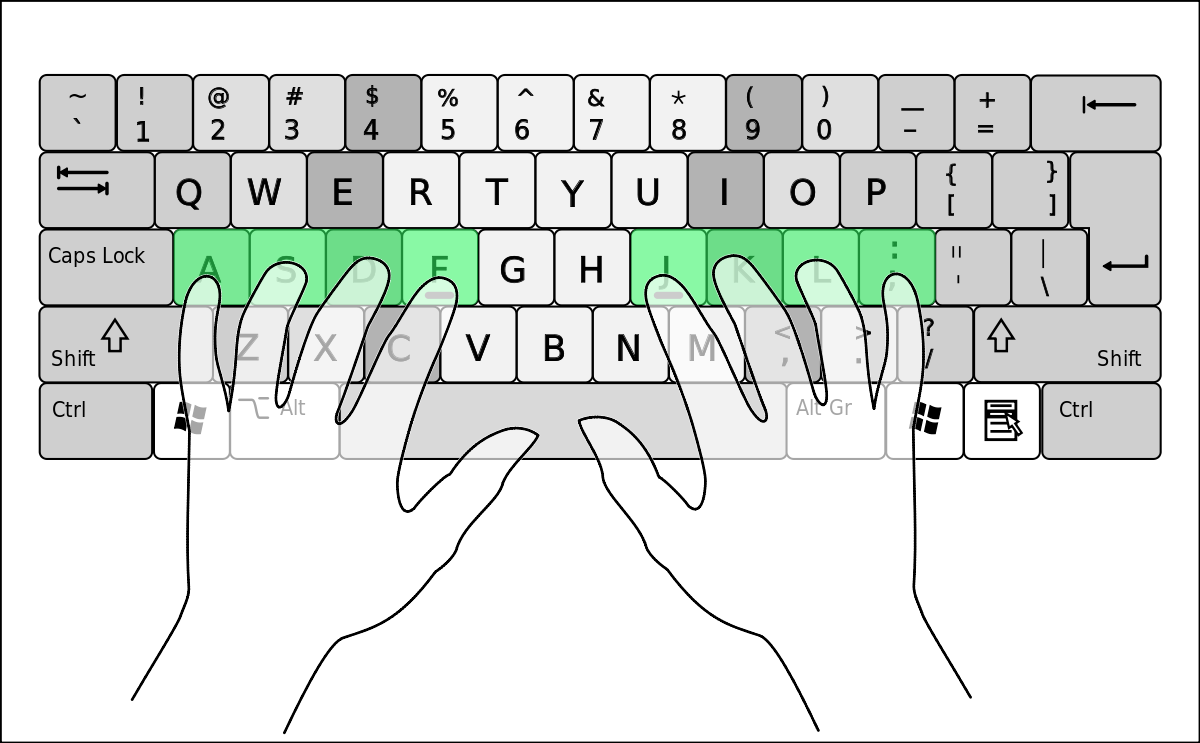
Nepali typing keywords
Find and practice with the terms people search for:
- Nepali Unicode
- Romanized Nepali typing
- Nepali romanize typing
- Nepali keyboard online
- Nepali Unicode converter
- Nepali typing test
- Nepali typing lesson
- Nepali WPM
Use the button above to open the full app for practice.
Why learn Nepali typing here?
- Practice modes: Manual, All, Basic, Word Building, Story, Typing.
- Structured learning: Learn Nepali typing from basic to advanced.
- Built-in or custom lessons: Use ready lessons or build your own.
- Track progress: Build speed (WPM) and reduce mistakes.
- Works everywhere: No installs. Runs in your browser.
नेपाली टाइपिङ सिक्नुहोस् (Unicode / Romanized)
बुनियादीबाट सुरु गरेर उन्नत तहसम्म। तयार गरिएको पाठहरू प्रयोग गर्नुहोस् वा आफैं अभ्यास सामग्री बनाउनुस्—गति (WPM) र शुद्धता मापन गर्दै सुधार गर्दै जानुस्।
- म्यानुअल, All, Basic, Word Building, Story, Typing मोड
- तयार पाठहरू वा आफ्नै कस्टम पाठ
- ब्राउजरमै चल्ने—कुनै इन्स्टल आवश्यक छैन
- WPM र accuracy ट्र्याकिङ
How to master Nepali Unicode typing
- Open the app with the button above.
- Select a mode: Manual, All, Basic, Word Building, Story, or Typing.
- Use built-in lessons or create your own practice sets.
- Measure WPM and accuracy; repeat sessions to improve.
Frequently asked questions
Is this the official Nepali typing page?
This is an SEO landing page that guides you to the actual Nepali typing app.
Where is the actual Nepali typing app?
You can use the full app here: typing.meropractice.com/nepali.
Do I need to install anything?
No, it runs in your browser on desktop and mobile.
Can I create my own lessons?
Yes. In addition to built-in lessons, you can create custom practice sets to focus on your needs.
Does it support Nepali and Romanized practice?
Yes. You can learn Unicode Nepali typing alongside Romanized patterns, from basic to advanced.
Who this is for
- Students learning Nepali typing for school or exams
- Professionals needing daily Nepali typing workflow
- Beginners starting from the basics
- Advanced users polishing speed and accuracy